A digital baby shower guest book that keeps growing
A QR code next to the cake – and your guests write wishes for the baby, share their best life advice and predict what the little one will become. No app, no sign-up. After the birth, everyone who visits can add to the same book.
Ready in a minute · free · no credit card
- 1.
Create the book
Pick the “Baby Book” template, add a title – the baby’s name or simply “Baby Smith” – and adjust the questions.
- 2.
Put out the QR code
Print the QR poster (PDF) for the shower table. Or share the link with family and friends on WhatsApp.
- 3.
Collect wishes
Guests scan, write and add a photo. New entries show up in your overview right away – weeks after the birth, too.
Questions guests enjoy answering
The template comes with fitting fields. Rename them, delete them or add your own.
- I am … – mom, dad, grandma, grandpa, aunt, uncle, family friend or colleague
- Wish for the baby
- Life wisdom
- Future job (prediction) – astronaut 🚀, soccer star ⚽, world traveler ✈️ …
- Photo with the baby
- A greeting to listen to – as a voice message (Premium)
Why digital instead of paper?
Shower and newborn visits in one book
Shower guests write first; after the birth, everyone who meets the baby – or just gets the link – adds their entry. No book to keep by the door.
Photos with the baby
Every entry can include a photo, so later you’ll see who held the baby first.
For family far away
Anyone who can’t visit simply writes via the link. With Premium they can record a voice message – grandpa’s voice stays in the book.
One less thing to manage
No pens to find, no book to pass around. You get an email for the first entry, then at most one summary a week – and you can turn it off.
And afterwards? It’s all yours
As a beautiful PDF
Five styles to choose from – Playful, Romantic, Botanical, Classic or Modern.
As a printed book
The print PDF (A5, one entry per page) works with any photo book service. Voice messages appear as a QR code to listen to.
All photos at once
Download every photo and voice message as a ZIP – perfect for the baby album.
What does it cost?
Nothing. The free plan includes up to 3 books with unlimited entries, all templates and all exports. Premium (€24 a year) adds voice messages, high-resolution photos and unlimited books.
Frequently asked questions
Do our guests need an app or an account?
No. Guests scan the QR code or open the link and write right in the browser. Only you sign in to manage the book.
Can we start it at the shower and keep it open after the birth?
Yes. The book stays open until you close it – by hand or automatically on a date you choose. You can also change the questions later, for example add one for first visits.
Can guests guess the due date or birth weight?
Yes – just add your own fields, such as a date field for the due date or a text field for weight and length. The template doesn’t include these by default.
Who can see the entries?
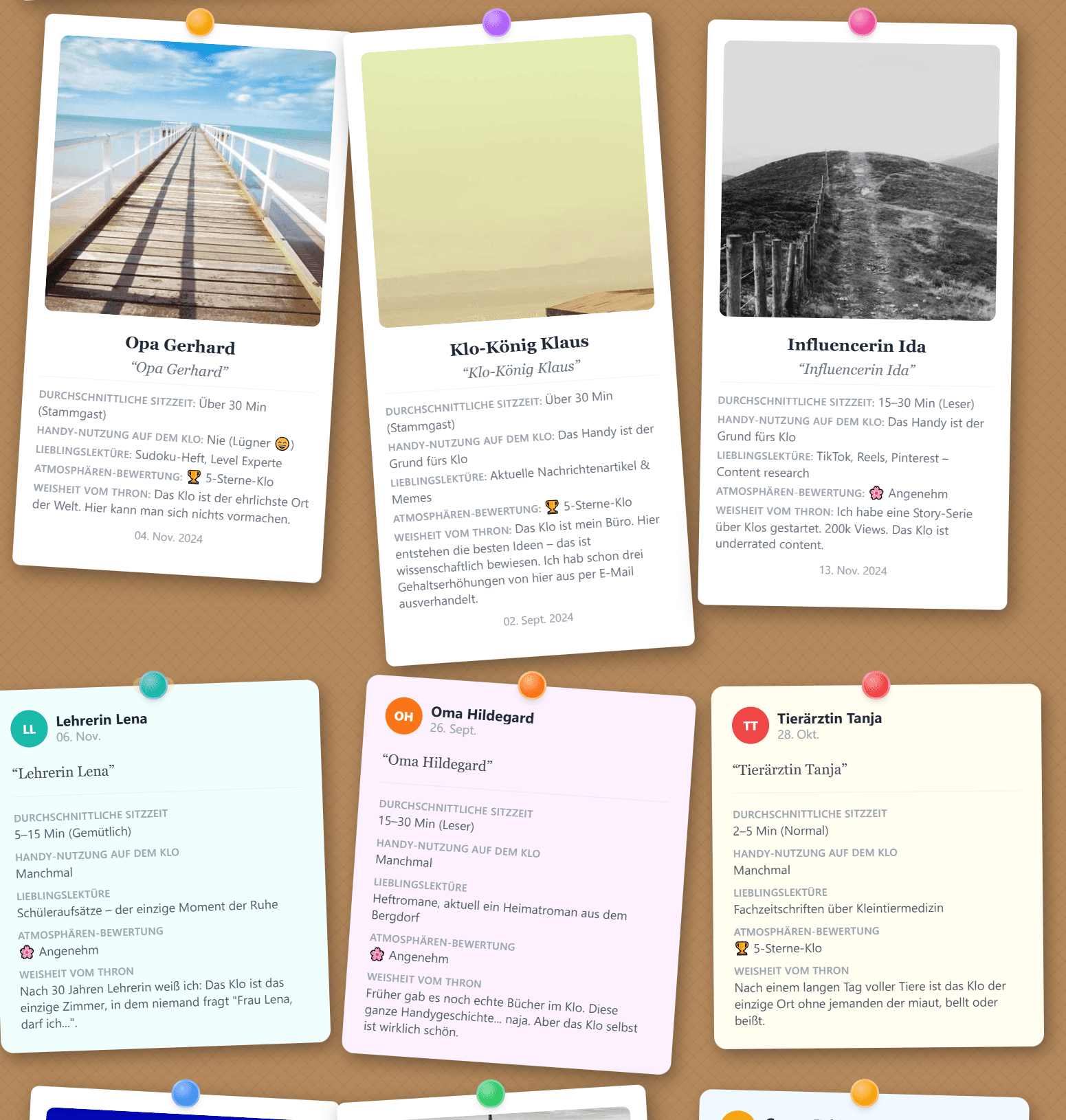
You decide. Either all guests see the entries on a pinboard, or they stay private and only you see them.
Can we print the baby book?
Yes. Download a print-ready PDF (A5, one entry per page) and order it from any photo book service – or print the regular PDF at home.
Can guests change their entry later?
Yes. After sending, guests get a link to edit their entry – handy for swapping in a better photo with the baby.
Where is the data stored?
On servers in Frankfurt, GDPR-compliant. Pagefully is made in Austria and shows no ads.
Ready to welcome your baby?
Create your baby shower guest book now – it takes less than a minute.
Create your baby shower guest book – free